An average SME today uses between10 and 30 different software programsto operate: invoicing, CRM, inventory, accounting, projects, emails, customer support…
And yet, these tools do not always communicate with each other.
👉 Concrete result:
- 3 to 6 hours lost per week per employee to “make the connection”
- repeated data entry errors
- conflicting information
- a blurred vision of the activity
The real problem is not the number of tools.
It’s their lack of overall coherence.
Diagnosis of your stack (tool by tool)
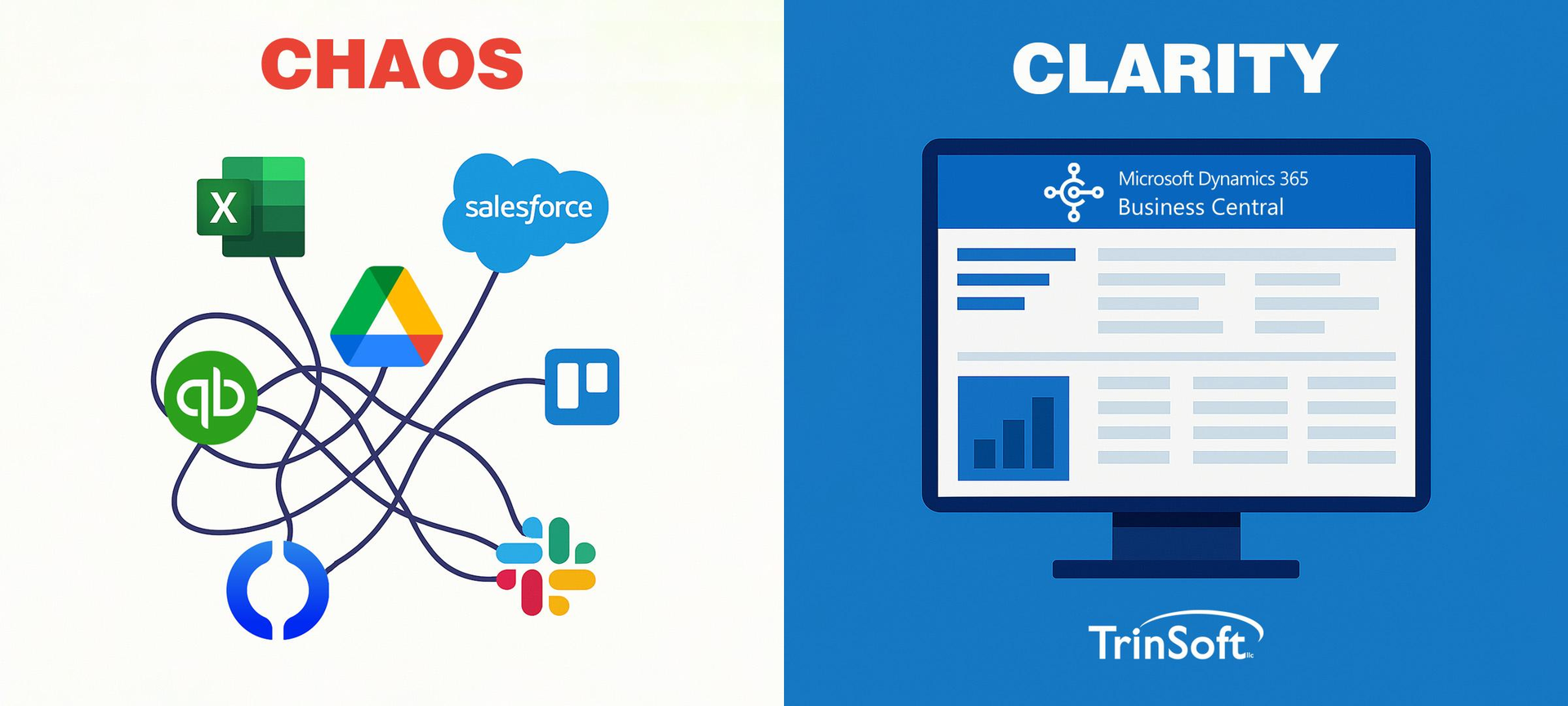
Before correcting, you need to understand.
Ask yourself a simple question:
👉 Do my tools work together… or each in their own corner?
Typical symptoms:
- a CRM that doesn’t talk to invoicing
- an inventory managed in Excel
- permanent exports/imports
- different data depending on the teams
- decisions made “by intuition”
Quick diagnosis of your stack
1. Too many tools for the same function
E.g.: 2 CRMs, 3 reporting tools, several customer tracking channels
2. Too much copy-pasting
Ex: customer data re-encoded multiple times
3. Too many critical Excels
Ex: inventory, finance, or sales pipeline in unconnected files
4. Too much human dependency
Ex: "only André knows how it works"
Map your tools (the first essential step)
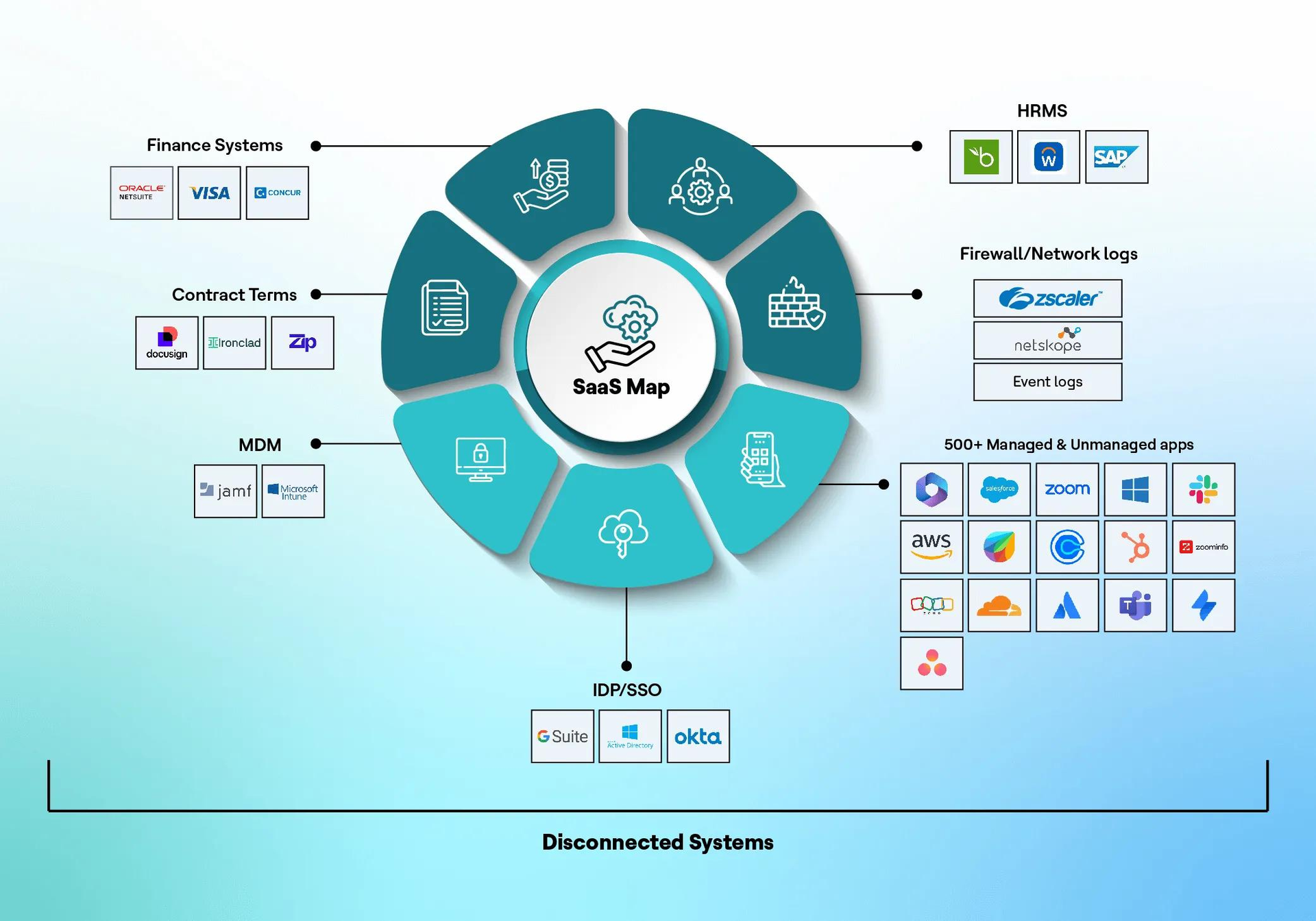
Before changing anything, you need to visualize your current system.
Simple method:
List your tools by category:
- Sales (CRM, leads)
- Billing
- Accounting
- Inventory
- Project
- Communication
- HR
- Reporting
Then ask this question:
👉 Which tools should share the same data?
Centralize vs replace: two very different approaches
Option 1: centralize
We keep the tools, but we connect them.
✔ via API
✔ via automation
✔ via connectors
👉 Advantage:
- less internal change
- faster to implement
👉 Disadvantage:
- system can be complex to maintain
- dependency on multiple tools
Option 2: replace with a single platform
We replace several tools with a centralized system like Odoo.
👉 Advantage:
- a single database
- fewer errors
- real-time visibility
- native automation
👉 Disadvantage:
- initial implementation project
- change of habits
Option 3: custom (custom software)
Development of a tool fully tailored to the company.
👉 Advantage:
- perfectly suited to the business
👉 Disadvantage:
- very expensive
- long to develop
- difficult to evolve
- strong dependence on the developer
Diagram: before / after
Before: fragmented stack
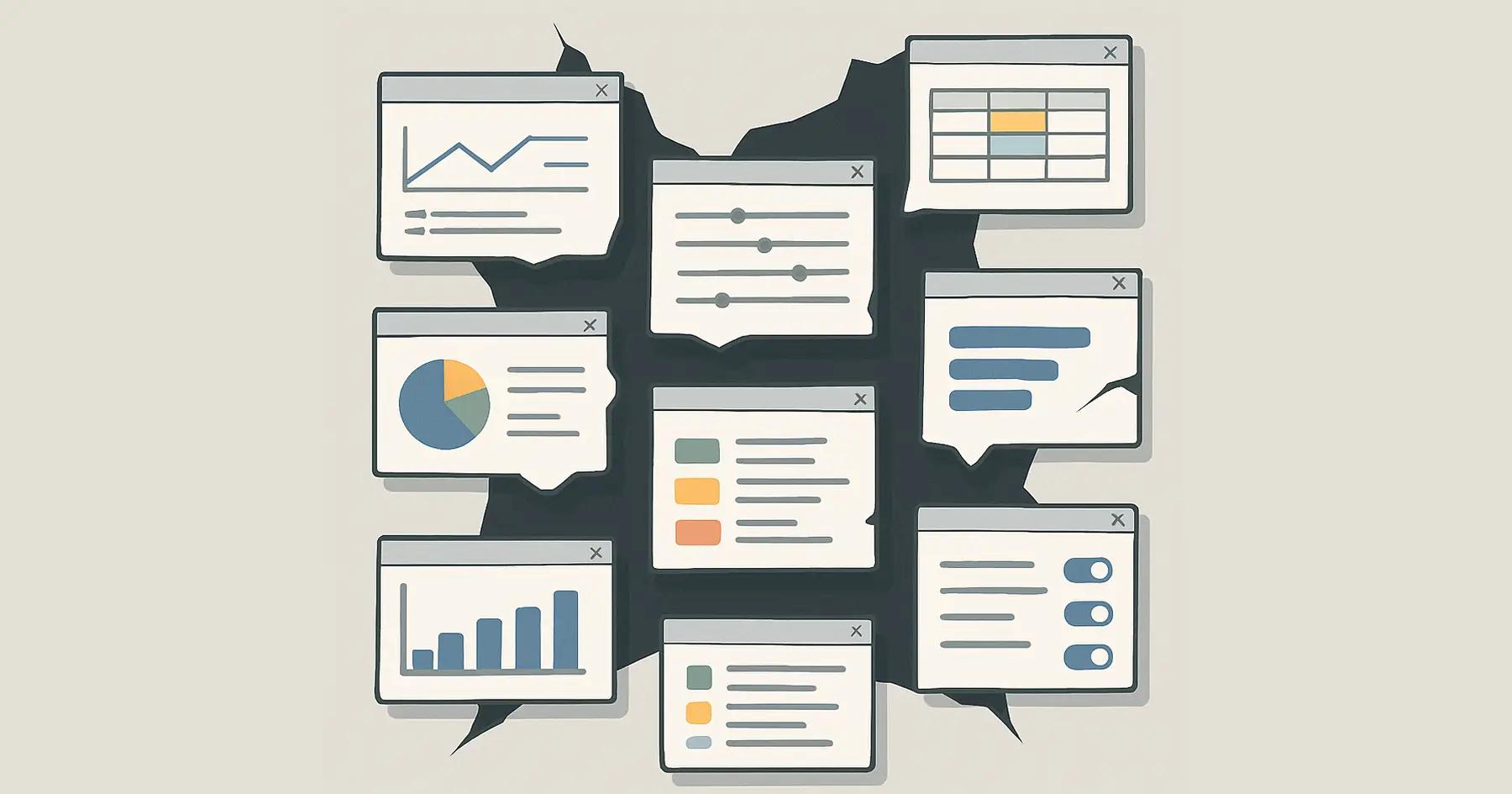
- multiple isolated software
- scattered data
- loss of information
- double encoding
After: centralized system
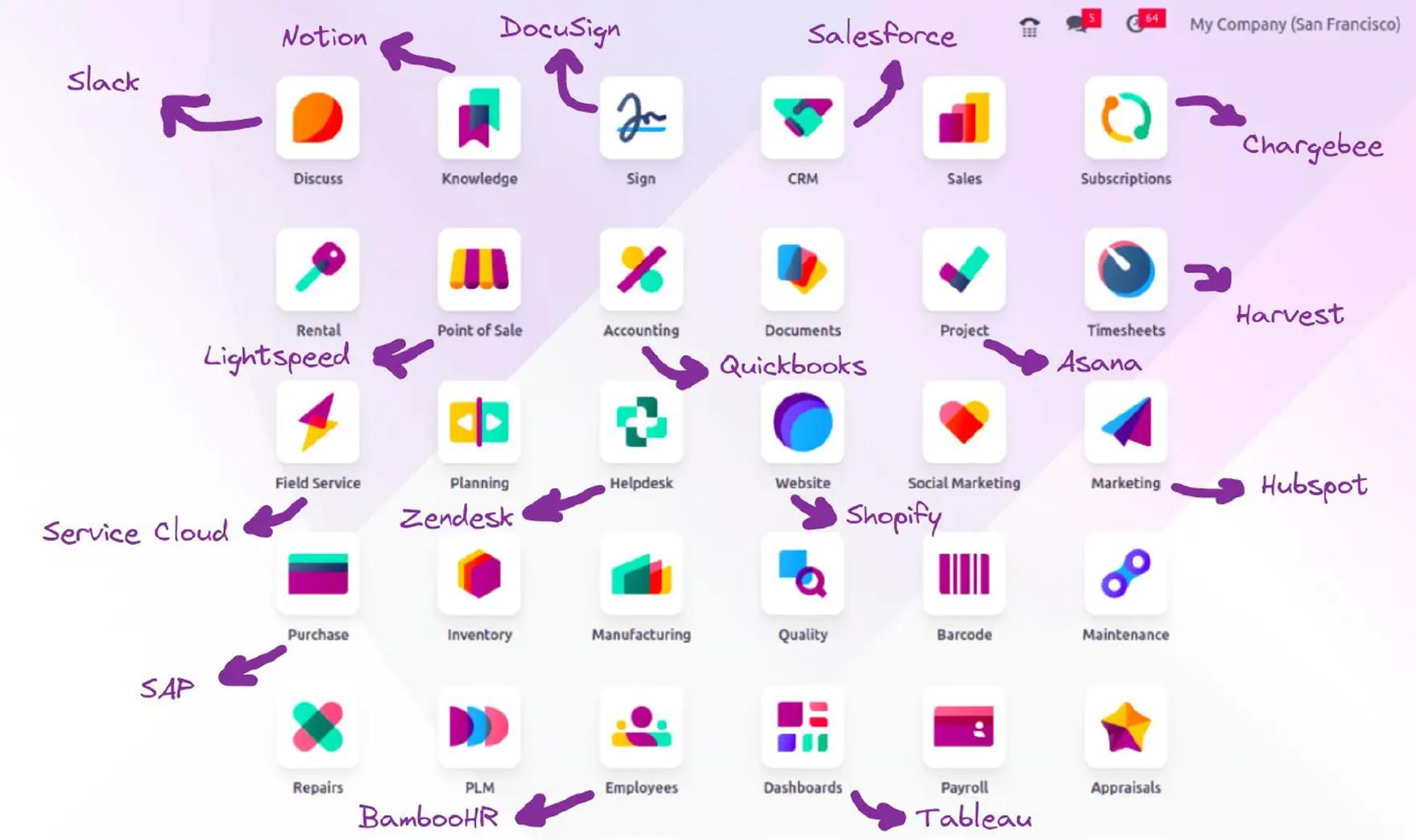
- a single database
- connected modules
- automation of flows
- global real-time view
Where to start (without breaking everything)
Step 1: identify friction points
Ask yourself:
- Where are we losing time each week?
- What tasks are repetitive?
- Where are there frequent errors?
Step 2: choose a limited scope
Do not transform everything at once.
Start with:
-
CRM + sales
or -
invoicing + accounting
or - inventory + orders
Step 3: decide on the model
Three possible choices:
- connect your existing tools
- centralize in an ERP
- develop a custom solution
In many SMEs, an ERP like Odoo becomes a good compromise between flexibility and centralization.
Step 4: test before generalizing
An ERP or a new system must be:
- tested in a limited scope
- validated by the teams
- adjusted before global deployment
The real problem is not the tools
It is not "having too many software" that is the problem.
It is having too many systems that do not communicate with each other.
Conclusion
A modern SME does not need more tools.
It needs:
- less friction
- more connection
- and a clear vision of its activity
The question is not: "What software to add?"
But rather: "How to make what I already have work together — or simplify it intelligently?"
Audit of your IT stack – Free
If you feel that your company:
- is wasting time on simple tasks
- is using too many different tools
- lacks overall visibility
- or relies too much on Excel
👉 An audit of your stack allows you to identify:
- duplicates
- time losses
- possible automations
- and quick wins
RELATED PAGES: